A museum protects things that cannot be replaced, in buildings that are open to the public by day and empty by night. The security configuration that earns its keep is about the hours nobody is there, and the rooms the public never enters.
The exposure is concentrated in the closed hours, which makes schedules the primary configuration tool.
Back-of-house is where the value sits
Stores, workshops and loading areas hold more than the galleries at any given moment, and have far less footfall.
Historic buildings constrain the cameras
Mounting positions, cabling routes and lighting are often fixed by the building itself rather than chosen.
Scenarios
From the trigger to the evidence
Which of these apply to you, and which cameras can carry them, is what the site survey
establishes before anything is proposed.
01
Presence in a gallery after closing
Trigger
A person detected in a marked area during the closed window.
Camera context
The detection frame with the area drawn on the camera view.
Operator review
Security round, contractor, or unexplained.
What happens next
Alert to the control room with the frame, and the clip retained.
02
Entry to a collection store
Trigger
A badge opens a store or workshop, or a person is detected inside it out of hours.
Camera context
The camera at that door, at the moment of the event.
Operator review
Whether the person matches the credential on record.
What happens next
Logged with evidence for the collection-management record.
03
Loading bay activity outside schedule
Trigger
Movement at the loading bay when no movement is booked.
Camera context
A timestamped frame at the bay.
Operator review
A judgement made from the picture rather than a door contact.
What happens next
Escalated to the duty manager, evidence retained.
04
Perimeter activity at night
Trigger
Someone crosses the boundary or enters a courtyard after hours.
Camera context
The boundary camera, lit where a floodlight is wired in.
Operator review
Person or animal, settled from the frame.
What happens next
Voice challenge where a speaker covers it, alert to the on-call responder.
How PARVEK Fits
Built around what you already run
Schedules do most of the work
Areas carry the hours they are off limits, so the public day raises nothing and the closed hours raise what matters.
Works with the cameras the building allows
Standard RTSP and ONVIF on the estate you have. Where a position is poor, the survey says so rather than promising around it.
Processing and evidence on site
The appliance runs on your own network; continuous video does not leave the building.
Response where it is appropriate
Light and voice challenge in back-of-house and outdoor areas; silent alerting where an announcement would be the wrong move.
PARVEK detects people and vehicles and where they are. It does not do object-removal or item-taken analytics, and we would not claim it does — protecting individual objects remains a matter for your case, mount and physical security measures.
Capabilities
What you can enable here
Capabilities are selected per site during the survey. Nothing is on by default, and several depend on camera placement and lighting — which is what the survey establishes.
Camera streams, recording, playback, AI events, evidence clips, alerts, reports, users and roles
and camera health — centralised in one appliance inside your premises. Faces, clips and reports
stay on site.
InputIP / Wi-Fi / compatible existing cameras
→
NetworkPoE / network
→
On premisesPARVEK ApplianceRecording · AI detection & rules · management
→
Mobile alertVoice warningLight / floodlightSiren / hooterEvidence clipReports
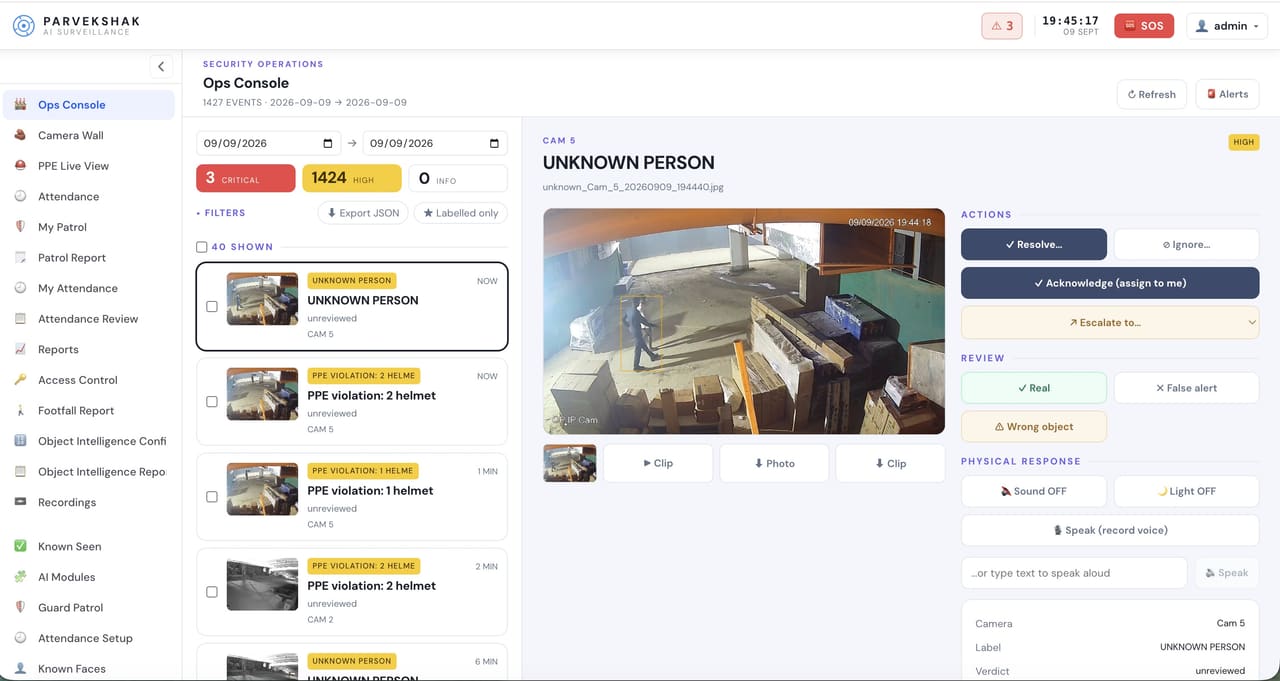
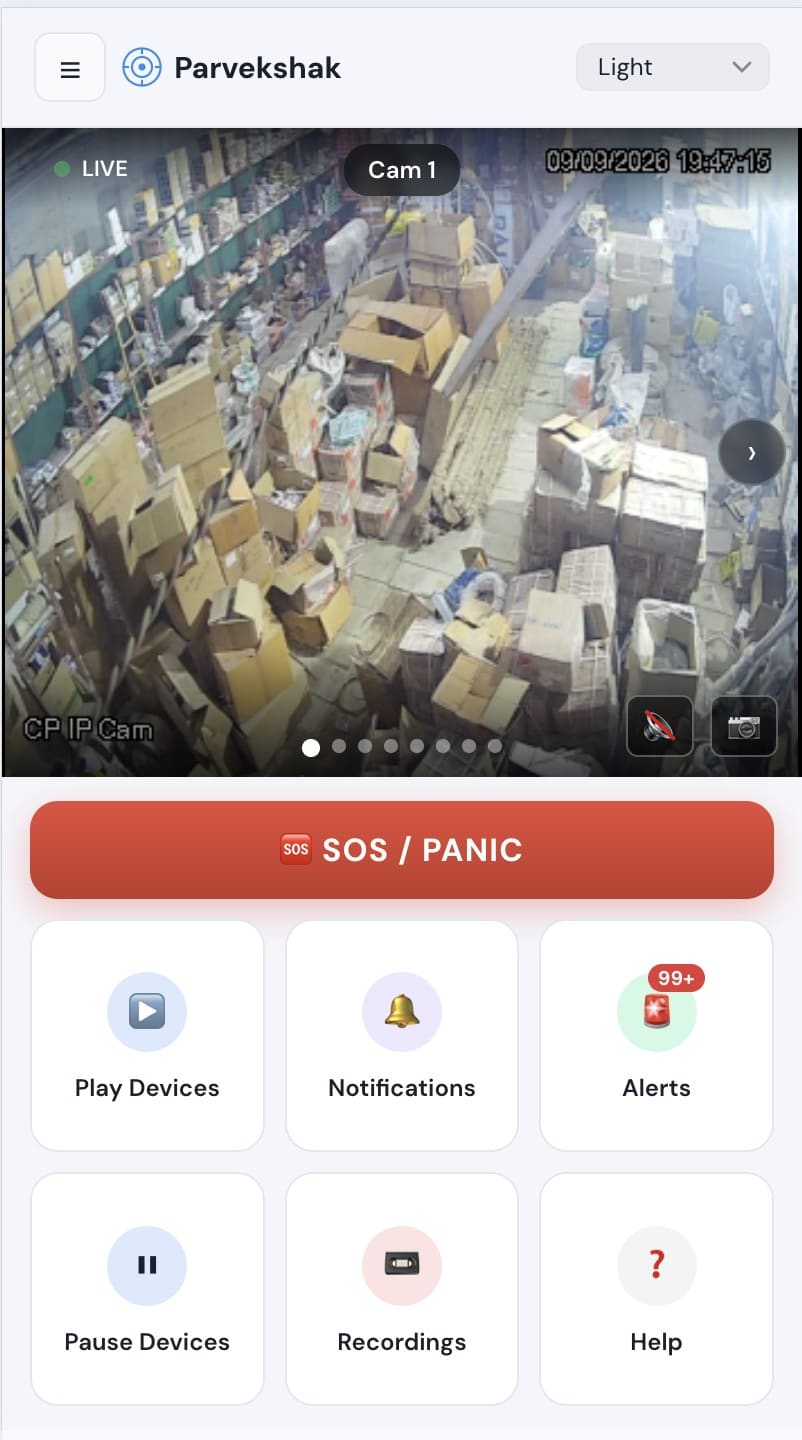
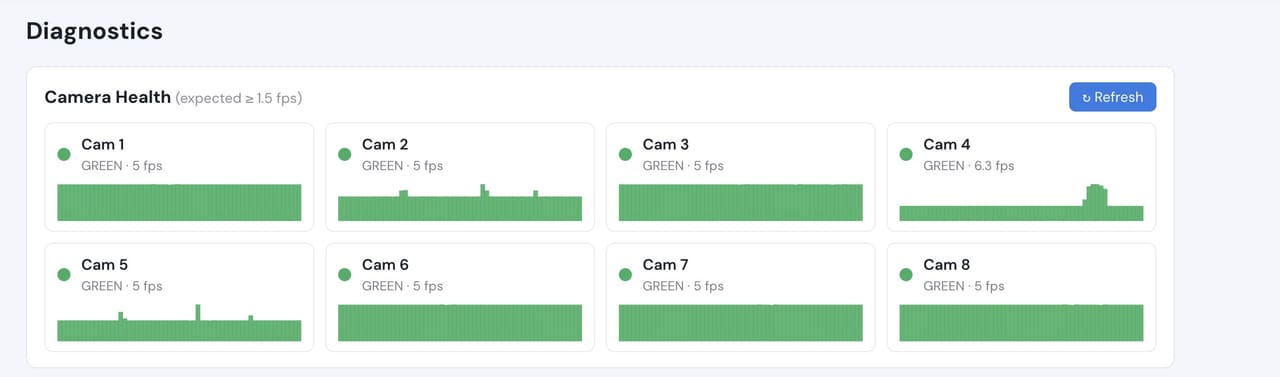
Ops console — events, evidence and response in one placeMobile app — live view, alerts and SOSCamera health — offline and degraded cameras flagged
Camera count, retention and storage are specified per appliance configuration and confirmed
during the assessment.
We do not publish improvement percentages, because none have been measured across a fleet
and yours would not match them anyway. What a bounded proof of concept gives you is your
own numbers, on your own footage:
Events per night across galleries, stores and the perimeter
How many need a response versus how many are rounds and wildlife
Whether each camera gives a usable image at night lighting levels
Time from detection to the control room having the frame
Whether the configured areas and hours match how the building is actually used
No. Item-removal analytics is not something PARVEK does, and we will not claim it. What it does well is tell you a person was in a place they should not have been, at a time nobody should have been, with the footage to prove it.
Our building is listed and we cannot move cameras easily. Does that matter?
It matters a great deal, and it is better established up front. The survey records what each existing position can actually resolve, and says plainly where a capability will not work from where the camera has to live.
Will this run during opening hours?
Only where you want it to. Most configurations are scheduled to the closed hours for gallery space, with back-of-house areas carrying their own windows.
Does it replace our intruder alarm?
No. It watches the same spaces on camera and raises its own events with a picture attached. Where you already run an intruder system, the survey works out which camera covers each zone so the two work together.
AI surveillance and analytics are technology-assisted and do not guarantee prevention or detection of every security incident or 100% accuracy.
Start with a site survey
Tell us what the site is, what it runs and what you need it to catch. The survey establishes whether your cameras can carry the use case — and from there, a proof of concept runs it on your own footage.