A substation or pumping compound has no staff, often a thin connection, and a boundary that matters. Sending every frame to a cloud to be analysed is the wrong shape for that: the analysis has to happen where the camera is.
By the time anyone is dispatched, the event is over. The value is in knowing within seconds whether it is worth dispatching at all.
Connectivity is the binding constraint
A site on a cellular link cannot stream continuous video anywhere. Whatever runs there has to run locally and send only what matters.
The estate is many small sites, not one big one
Dozens of compounds each with a handful of cameras — a very different shape from one site with two hundred.
Scenarios
From the trigger to the evidence
Which of these apply to you, and which cameras can carry them, is what the site survey
establishes before anything is proposed.
01
Boundary crossing at an unmanned compound
Trigger
A person enters the compound across the fence line.
Camera context
The boundary camera frame, with the area lit if a floodlight is wired in.
Operator review
Person or animal, decided from the frame rather than from a sensor state.
What happens next
Alert with the frame to the on-call phone; voice challenge where a speaker is installed.
02
Gate opened out of schedule
Trigger
Movement at the gate when no visit is booked.
Camera context
A timestamped frame at the gate line.
Operator review
Scheduled maintenance crew, or not.
What happens next
Logged with the frame; escalated where it is not on the plan.
03
Vehicle parked at the boundary
Trigger
A vehicle detected stopped at the perimeter outside working hours.
Camera context
The frame showing the vehicle and its position.
Operator review
A judgement a person makes in seconds with the picture in front of them.
What happens next
Escalation path that you define per site.
04
Camera offline across a remote estate
Trigger
A camera stops streaming or is obscured.
Camera context
The last usable frame and the time it stopped.
Operator review
Surfaced as an event rather than found during the next inspection.
What happens next
A maintenance visit planned rather than a blind site discovered after an incident.
How PARVEK Fits
Built around what you already run
Edge processing is the point, not a feature
Analysis runs on the appliance at the site. Detection keeps working when the link does not, and only notifications and evidence travel.
Bandwidth stays proportionate
What leaves is an alert with a frame, and a clip when you want one — not a continuous upstream per camera.
One appliance per site, rolled up centrally
Each site processes its own cameras; events reach the people responsible, with role-based access per site.
Lighting decides night performance
On an unlit compound, what the camera can resolve after dark is the whole question. The survey answers it per camera before anything is bought.
Capabilities
What you can enable here
Capabilities are selected per site during the survey. Nothing is on by default, and several depend on camera placement and lighting — which is what the survey establishes.
Camera streams, recording, playback, AI events, evidence clips, alerts, reports, users and roles
and camera health — centralised in one appliance inside your premises. Faces, clips and reports
stay on site.
InputIP / Wi-Fi / compatible existing cameras
→
NetworkPoE / network
→
On premisesPARVEK ApplianceRecording · AI detection & rules · management
→
Mobile alertVoice warningLight / floodlightSiren / hooterEvidence clipReports
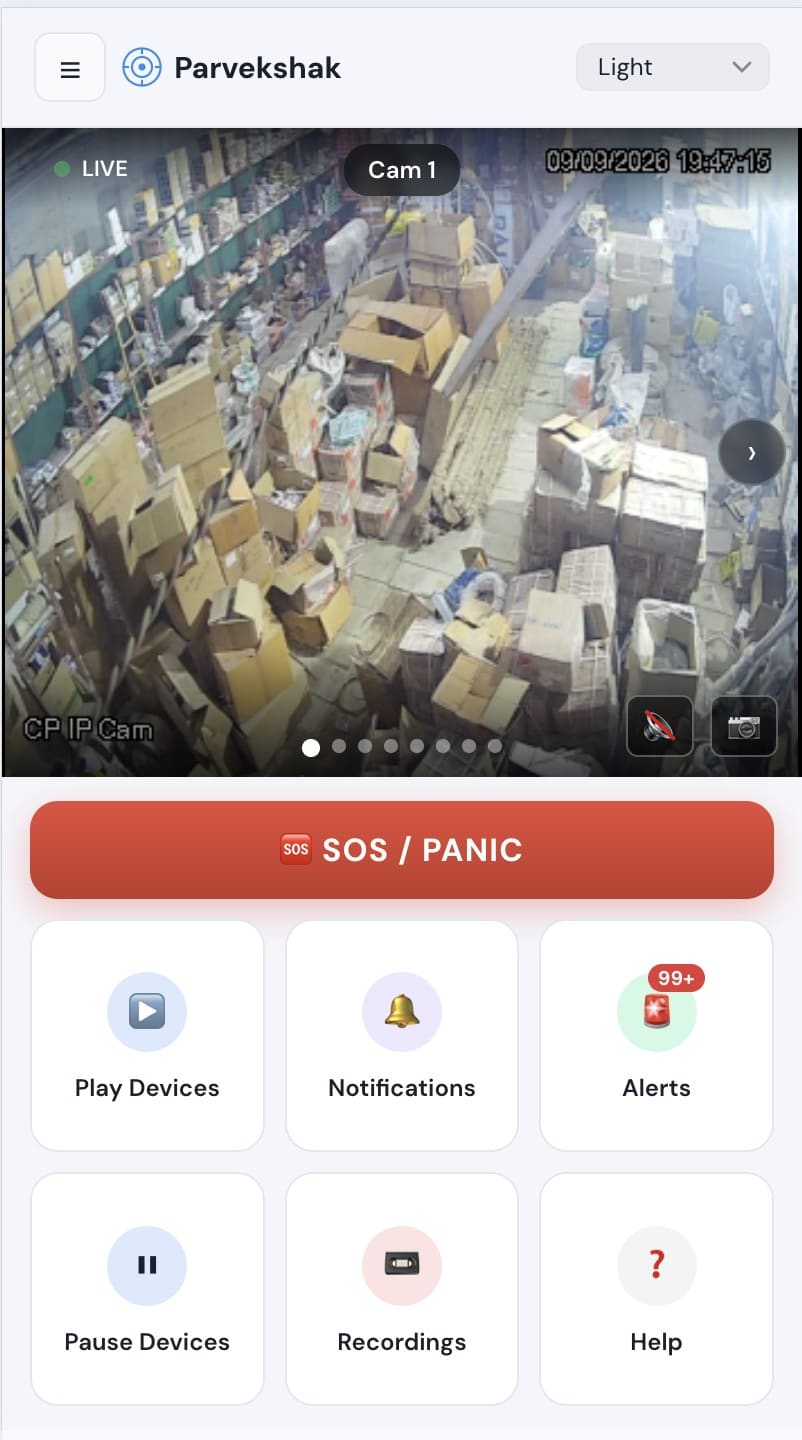
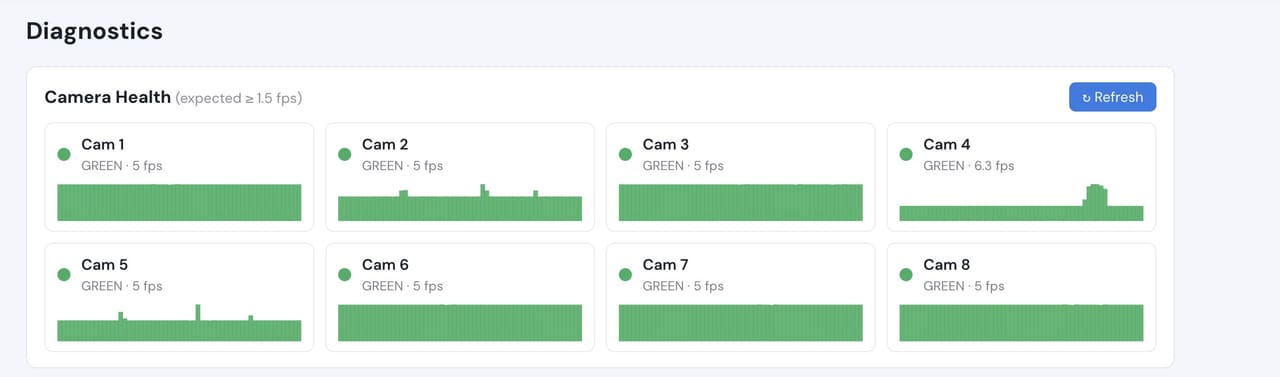
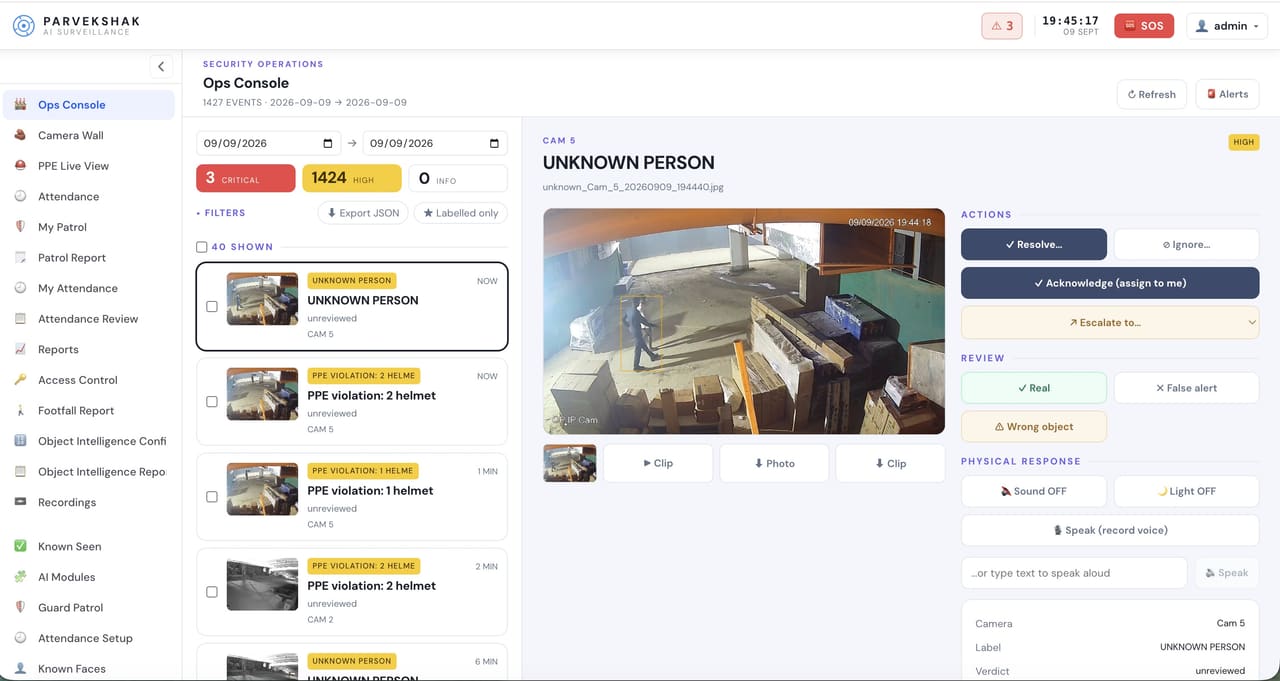
Ops console — events, evidence and response in one placeMobile app — live view, alerts and SOSCamera health — offline and degraded cameras flagged
Camera count, retention and storage are specified per appliance configuration and confirmed
during the assessment.
We do not publish improvement percentages, because none have been measured across a fleet
and yours would not match them anyway. What a bounded proof of concept gives you is your
own numbers, on your own footage:
Events per night per compound, and how many warrant a dispatch
Whether each boundary camera gives a usable image after dark
Bandwidth actually consumed per site per day
Time from detection to the on-call person having the frame
How the system behaves when the link drops and recovers
For this shape of deployment, usually yes, because continuous video is not being uploaded. What travels is notifications and the clips you ask for. The survey sizes it against your actual tariff and site count.
What happens during an outage?
Detection and recording continue on the appliance, because the analysis is local. Notifications queue and deliver when the link returns.
Is this a replacement for a monitored alarm?
No. PARVEK is not a monitoring service and not an alarm receiving centre. If you use one, PARVEK gives them events with a picture attached, which is a better thing to act on.
Can we add deterrence at an unmanned site?
Where speakers and floodlights are present or can be added, yes — both are driven from relay outputs on the appliance and wired at commissioning.
AI surveillance and analytics are technology-assisted and do not guarantee prevention or detection of every security incident or 100% accuracy.
Start with a site survey
Tell us what the site is, what it runs and what you need it to catch. The survey establishes whether your cameras can carry the use case — and from there, a proof of concept runs it on your own footage.