Access events across the campus, with the person attached.
A campus runs on badges. The access system records every one of them precisely and cannot tell you who was holding the card. For most exceptions that distinction is the entire question.
Thousands of reads a day. The handful that are exceptions get cleared rather than checked, because checking means opening a second system.
Multiple buildings, one small team
Coverage spans buildings and shifts while the security team does not. Consistency of triage matters more than raw detection.
Visitors and contractors are routine
Reception, meeting floors and service entrances see a constant flow of people who are legitimately there but not employees.
Scenarios
From the trigger to the evidence
Which of these apply to you, and which cameras can carry them, is what the site survey
establishes before anything is proposed.
01
Denied access at a controlled door
Trigger
A credential is refused at a door.
Camera context
The camera at that door captures the moment of the read.
Operator review
Expired badge, wrong door, or someone trying cards — three very different situations with the same log entry.
What happens next
Cleared in seconds, or escalated with the clip attached.
02
After-hours entry to a restricted room
Trigger
A badge opens a secure room outside the window set for that person.
Camera context
The frame at the reader, with the badge holder on record beside it.
Operator review
Whether the right person used the badge.
What happens next
Acknowledged, or escalated to the duty manager with evidence retained.
03
Door held open on a service entrance
Trigger
A door stays open past its timer.
Camera context
The doorway view for the period it was open.
Operator review
A delivery, or a door propped for later.
What happens next
Logged with footage; a repeated pattern becomes something the team can act on.
04
Movement in an empty floor at night
Trigger
A person detected in a marked area during hours it should be empty.
Camera context
The detection frame with the area drawn on it.
Operator review
Cleaning crew, or an unexplained presence.
What happens next
Alert to the desk and the on-call phone, with the clip.
How PARVEK Fits
Built around what you already run
Works with the access platform you already run
Door events are read from an API, a database view or a scheduled export, and built against your system during onboarding.
Reads your existing cameras
Standard RTSP and ONVIF, directly or through the recorder, which keeps recording as before.
Role-based access per building
A reception guard, a building manager and a regional supervisor each see what belongs to them.
Processing stays on your network
The appliance and the evidence sit on site; notifications go outbound only.
Matching a person against a badge holder means holding reference images of badge holders. That is a policy decision with privacy implications, and it needs an answer from your side before it is configured rather than after.
Capabilities
What you can enable here
Capabilities are selected per site during the survey. Nothing is on by default, and several depend on camera placement and lighting — which is what the survey establishes.
Camera streams, recording, playback, AI events, evidence clips, alerts, reports, users and roles
and camera health — centralised in one appliance inside your premises. Faces, clips and reports
stay on site.
InputIP / Wi-Fi / compatible existing cameras
→
NetworkPoE / network
→
On premisesPARVEK ApplianceRecording · AI detection & rules · management
→
Mobile alertVoice warningLight / floodlightSiren / hooterEvidence clipReports
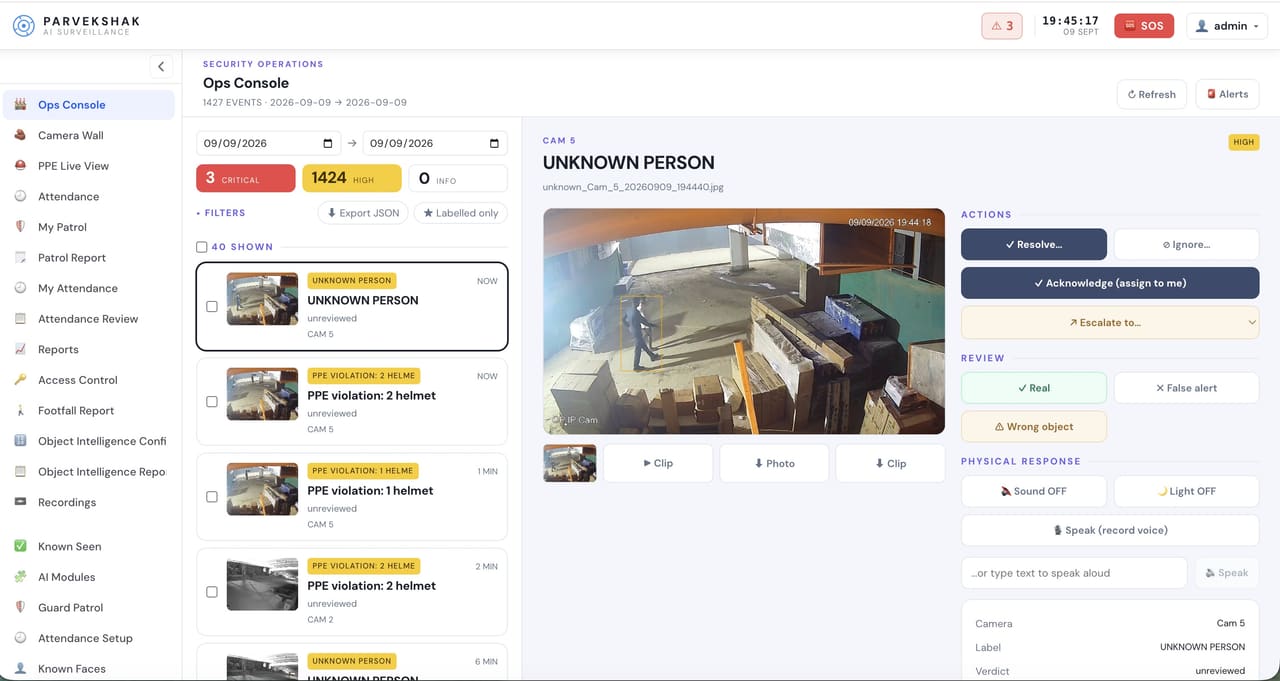
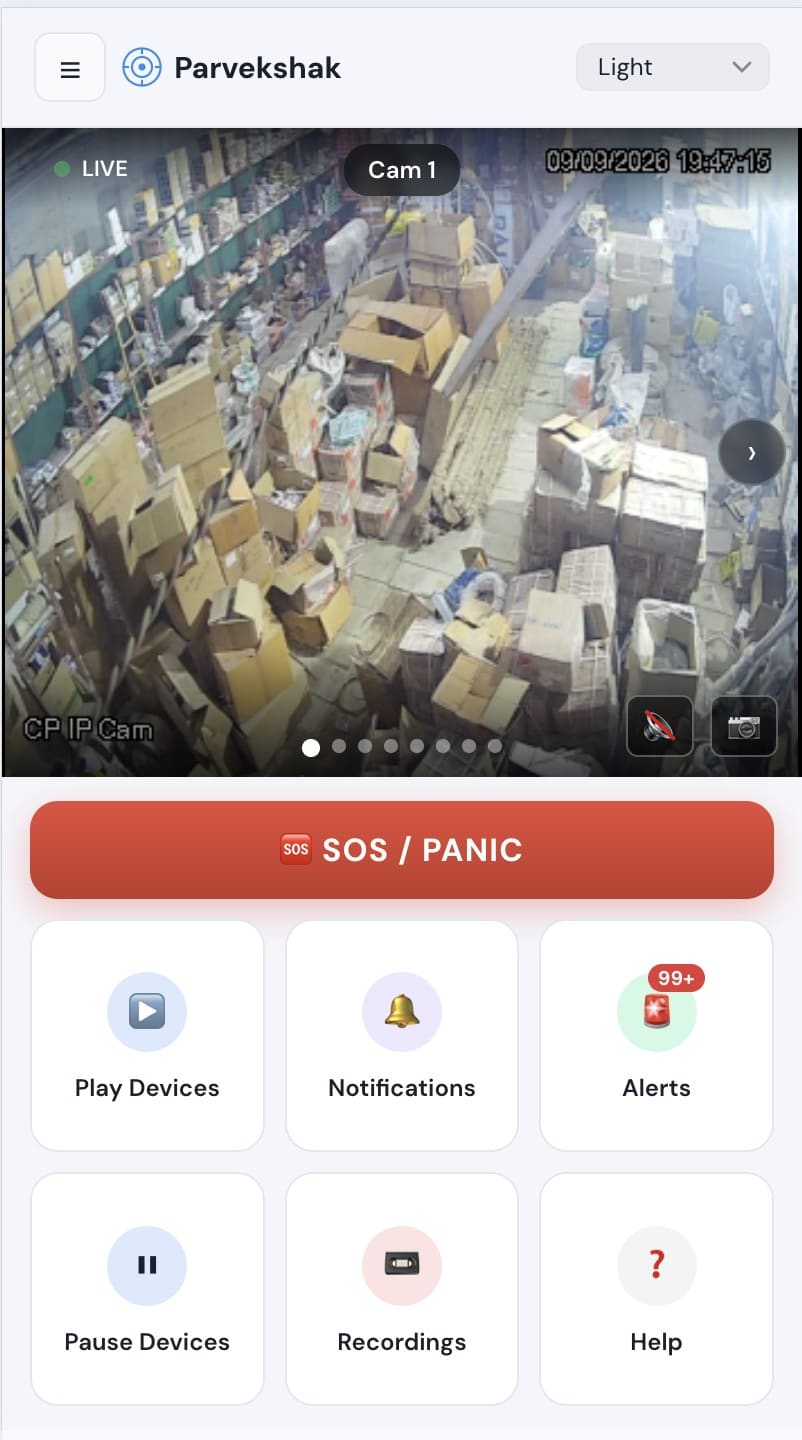
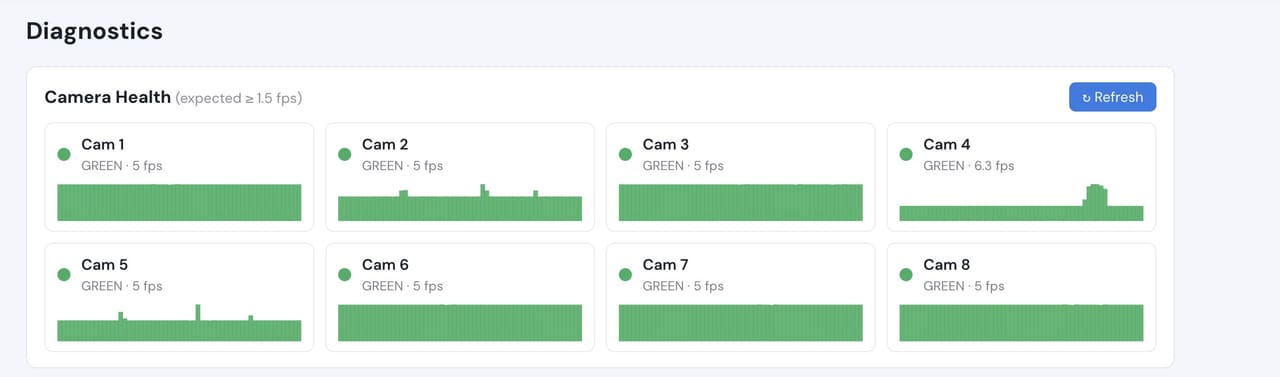
Ops console — events, evidence and response in one placeMobile app — live view, alerts and SOSCamera health — offline and degraded cameras flagged
Camera count, retention and storage are specified per appliance configuration and confirmed
during the assessment.
We do not publish improvement percentages, because none have been measured across a fleet
and yours would not match them anyway. What a bounded proof of concept gives you is your
own numbers, on your own footage:
Exception volume per building per week, and how many need a response
Median time from an access exception to the footage being on screen
Which entrance cameras can resolve a face at the reader
Proportion of exceptions that now get reviewed at all
Time to assemble evidence for an HR or insurance request
No. Pairing a door event with the footage from that moment needs no enrolment at all. Only the badge-versus-person check does, and it can be enabled for specific doors or groups rather than the whole campus.
Does PARVEK unlock or lock doors?
Never. It reads events and correlates them with video. Door control stays entirely with your access-control system.
How many doors should we start with?
Three is usually right — a main entrance, a service or goods door, and whichever door generates the out-of-hours alerts. Three doors that work are worth more than forty configured on assumptions.
What about privacy for staff?
What is retained, for how long, and who can see it are decisions you make and we configure. They are written down during the assessment so your own review can approve them before anything runs.
AI surveillance and analytics are technology-assisted and do not guarantee prevention or detection of every security incident or 100% accuracy.
Start with a site survey
Tell us what the site is, what it runs and what you need it to catch. The survey establishes whether your cameras can carry the use case — and from there, a proof of concept runs it on your own footage.